




Diana 2 and the tools around it represent over a year and a half of solo work — nights, weekends, and more hours than I can count. I’m one person, wearing every hat: 3D modeler, programmer, designer, tester, technical writer, and support team.
I’m proud of what this has become, and I’m committed to making it better. But I’m also human. There are things that aren’t perfect yet, features still on the roadmap, mistakes, and corners of Diana that need more polish. I know that, and I’m working on it every day — one fix and one addition at a time, in a way that I can realistically sustain long-term.
If you find something that’s broken or missing, please know it’s not for lack of care — it’s the reality of building something ambitious alone. A kind, specific bug report does more to move things forward than frustration ever will. I read everything, I take it all seriously, and your feedback genuinely shapes what gets built next.
If you are of the mindset that you are purchasing a perfected product that meets the highest levels of real-world precision and technical depth, this may not be the right product for you — although reaching that level is absolutely the long-term goal.
If you purchased and aren’t happy, I will gladly offer a refund — provided the product is uninstalled.
Thank you for flying with me. It means more than you know.
— Robi from 61tree Studio


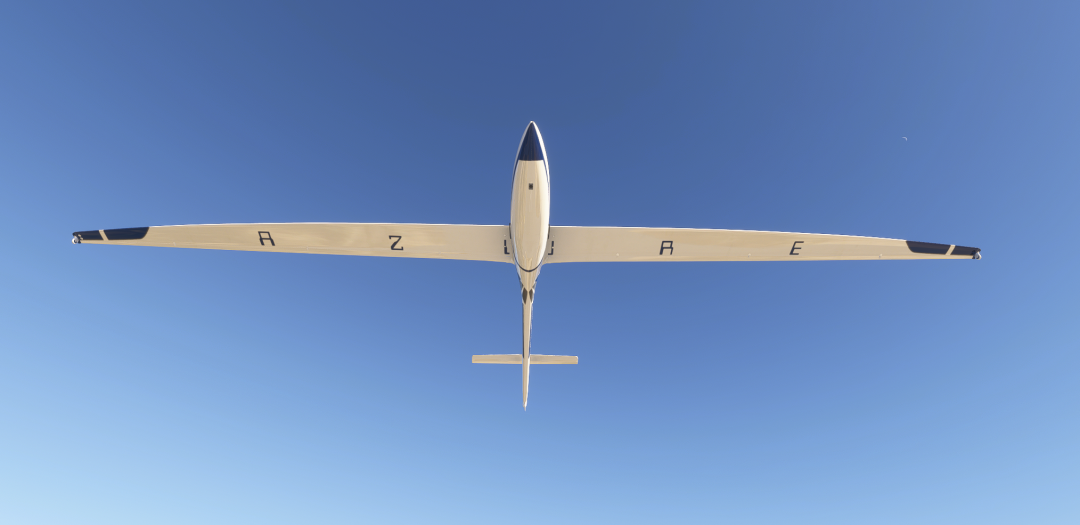
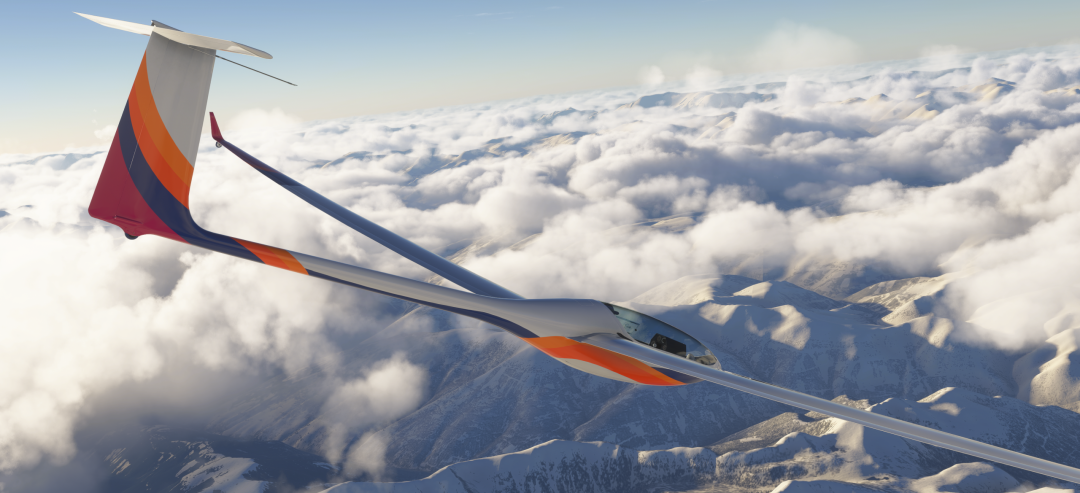
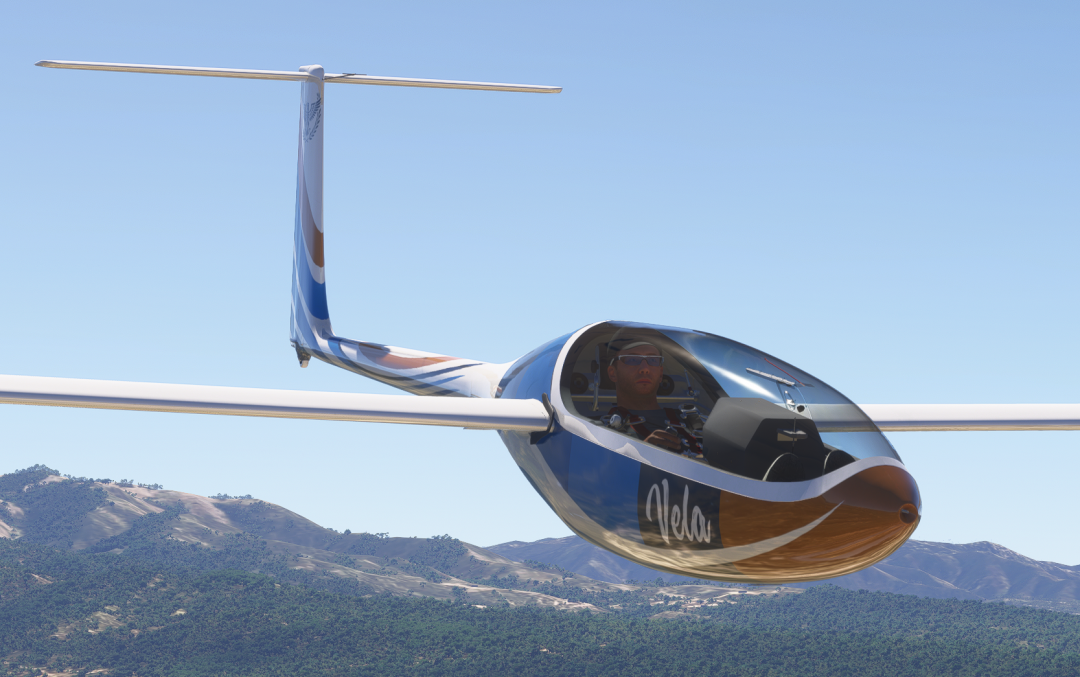
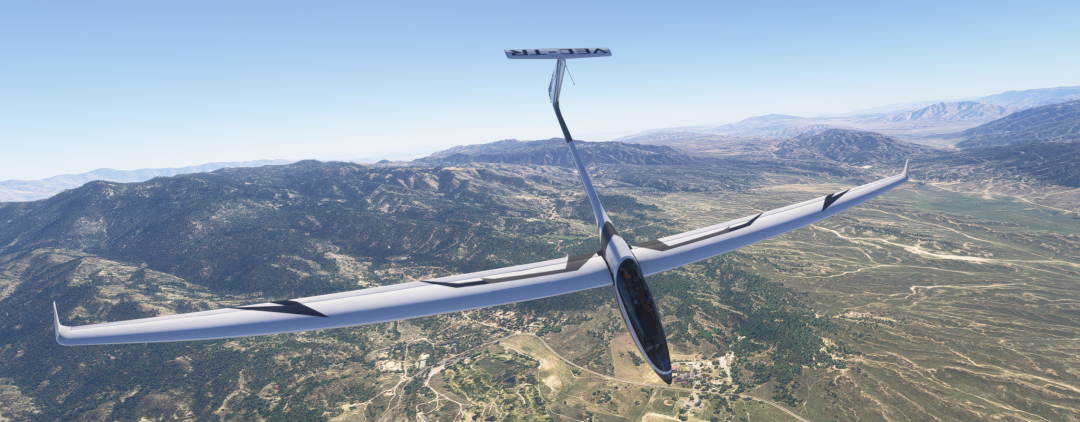
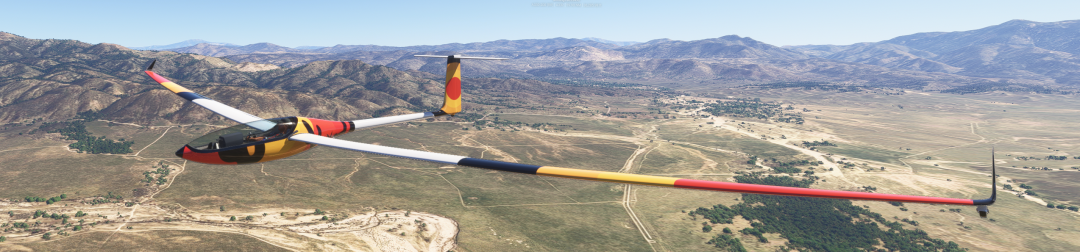
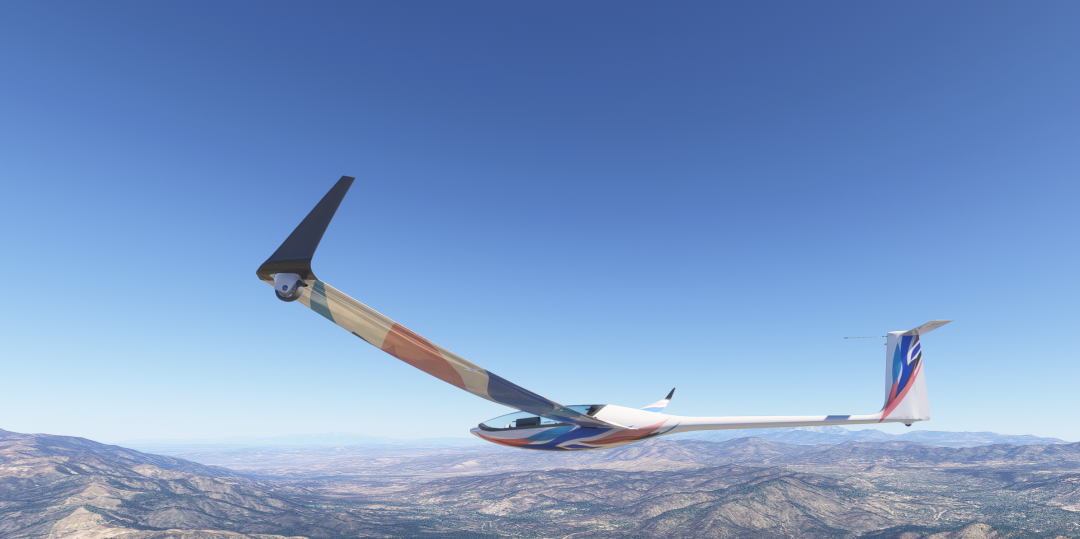
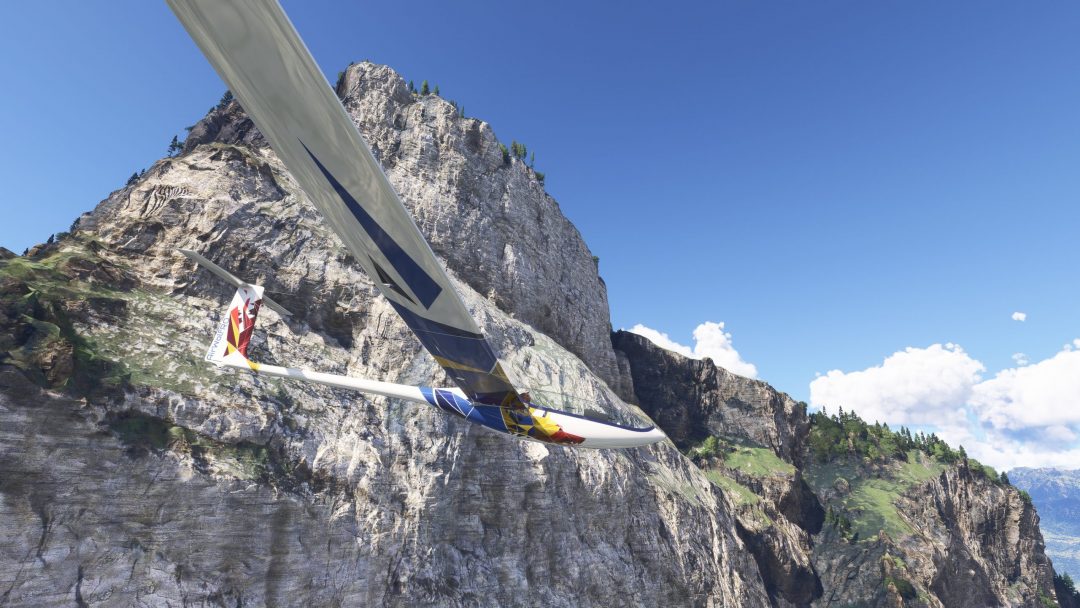
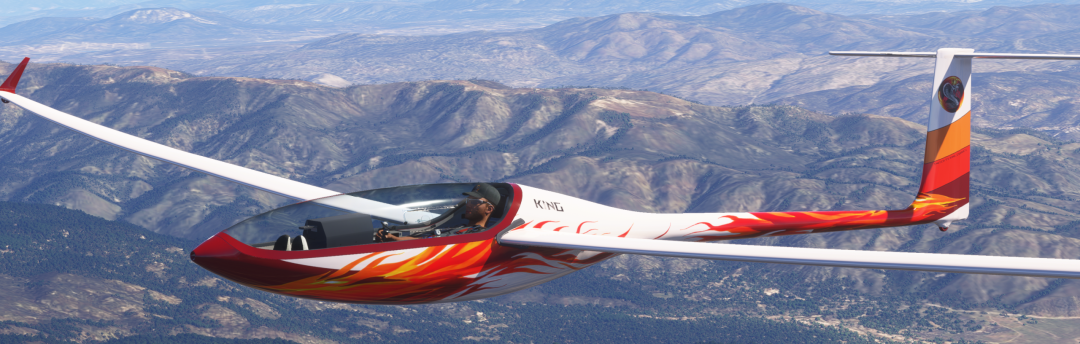
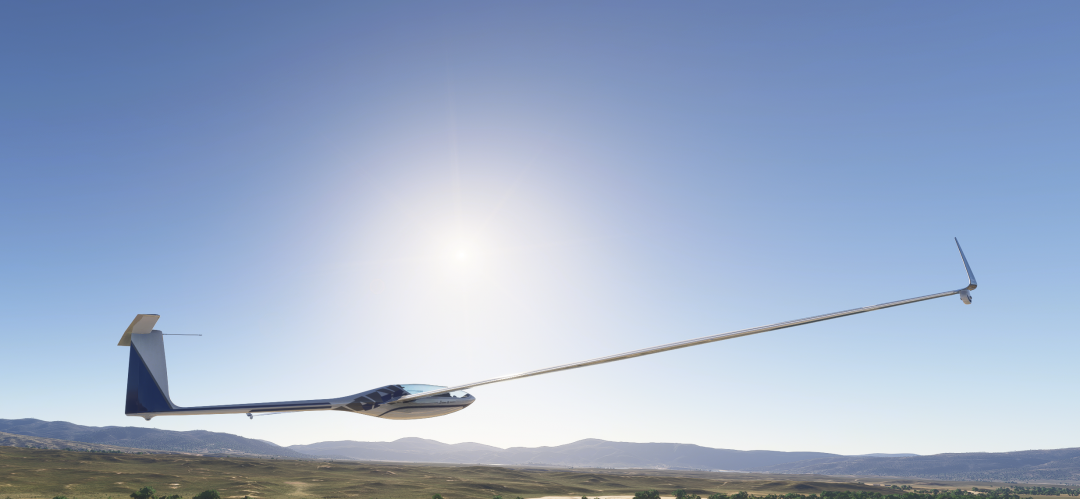
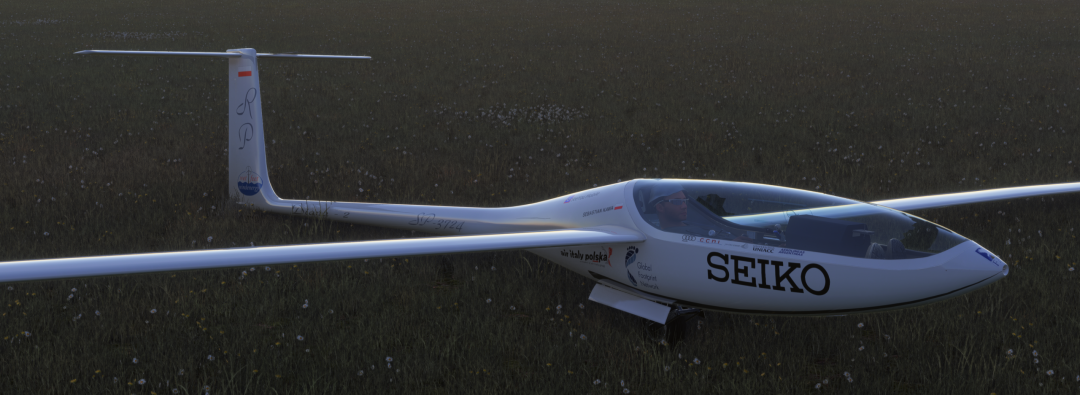
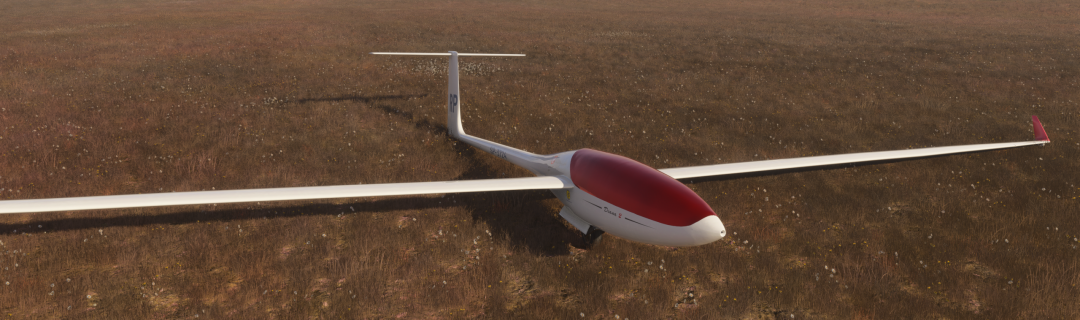
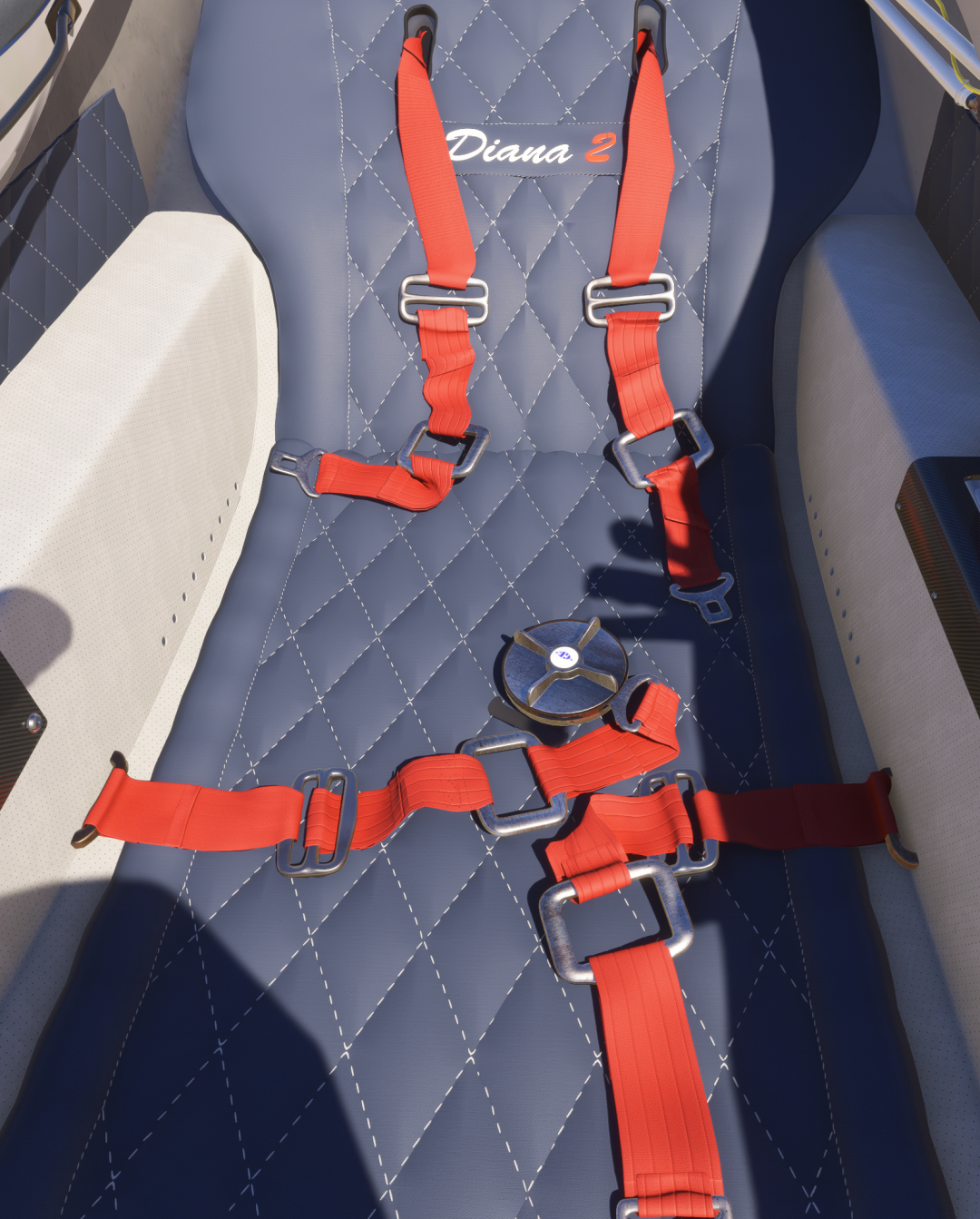
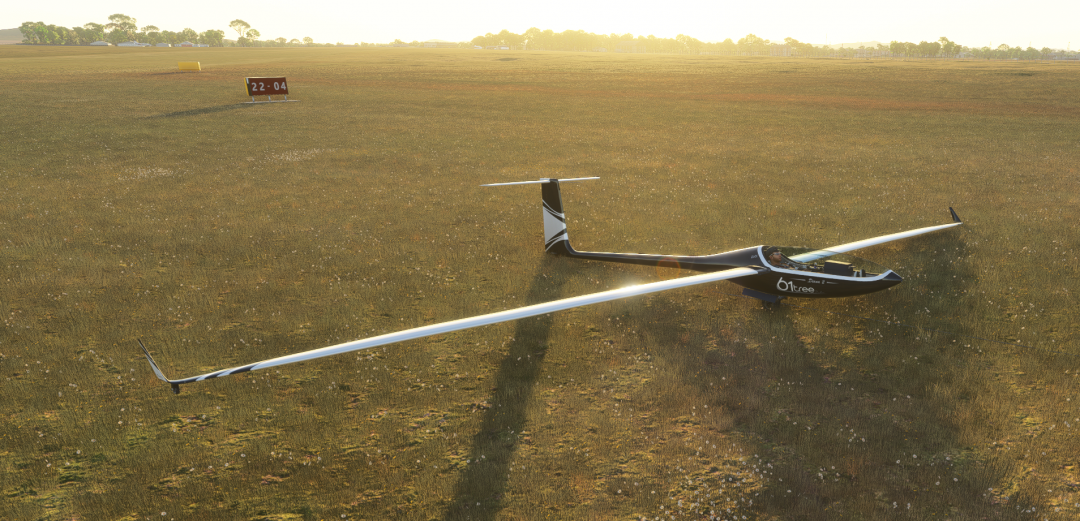
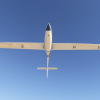
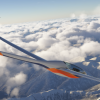
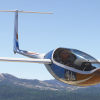
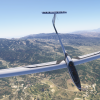
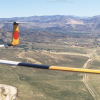
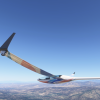
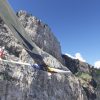
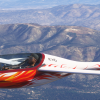
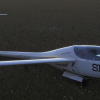
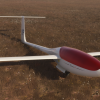
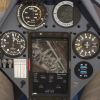
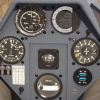
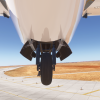
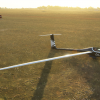
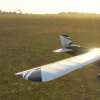
The Diana 2 (SZD-56-2) is a world-class competition glider brought to life in Microsoft Flight Simulator 2024 with authentic flight dynamics, cockpit instrumentation, and real-world performance data.
Installation
The 61tree Installer
- Create a free account at 61tree.com before purchasing
- Complete your purchase — your account is activated instantly
- Download 61tree_installer.exe from 61tree.com/download
- Sign in with your 61tree.com credentials and click Install next to Diana 2
- Launch MSFS — Diana 2 is ready to fly
Having issues installing? Try right clicking and running as administrator.
Security warnings — this is normal
Windows may show up to 4 warnings before the app opens. This happens because the installer is independently published and not enrolled in Microsoft’s paid code-signing program. The app is safe to run.
- “Windows protected your PC” → click More info → Run anyway
- “Allow this app to make changes?” → click Yes
- Browser download warning → click Keep or Keep anyway
The installer only communicates with 61tree.com to verify your license.
Features List
Avionics
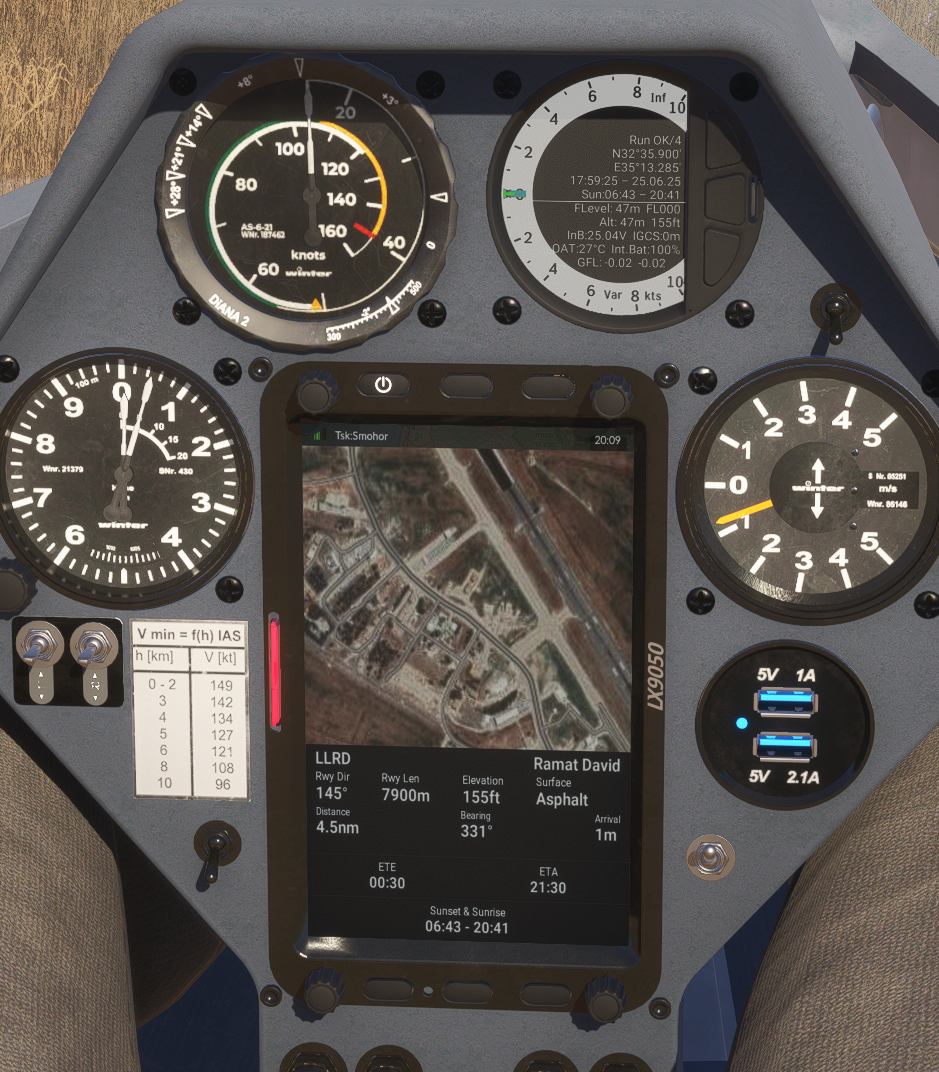
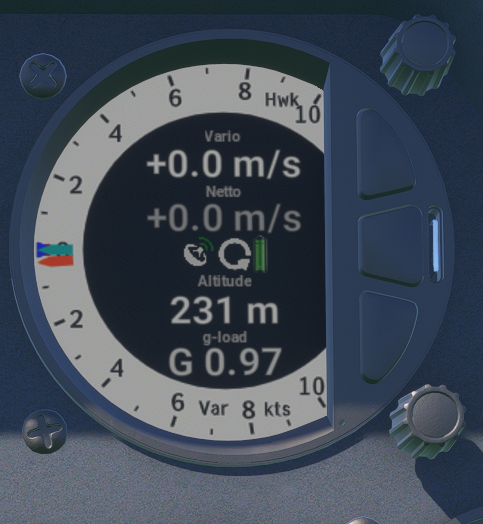
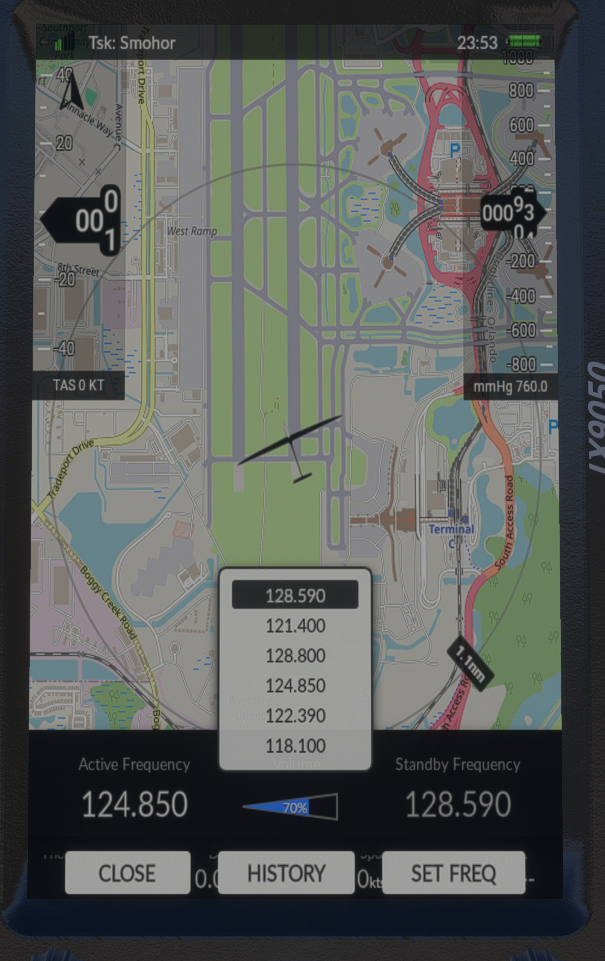
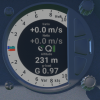
LX9050 & SxHawk Navigation System
Moving map with task legs, turnpoints, and waypoint guidance
Task planning: build, load, and fly structured soaring tasks
Final-glide calculator and route optimisation
Pilot profiles with personalised units, audio, and display preferences
Built-in flight recorder and logbook
Polar, ballast, and weight-balance configuration
FLARM traffic status display
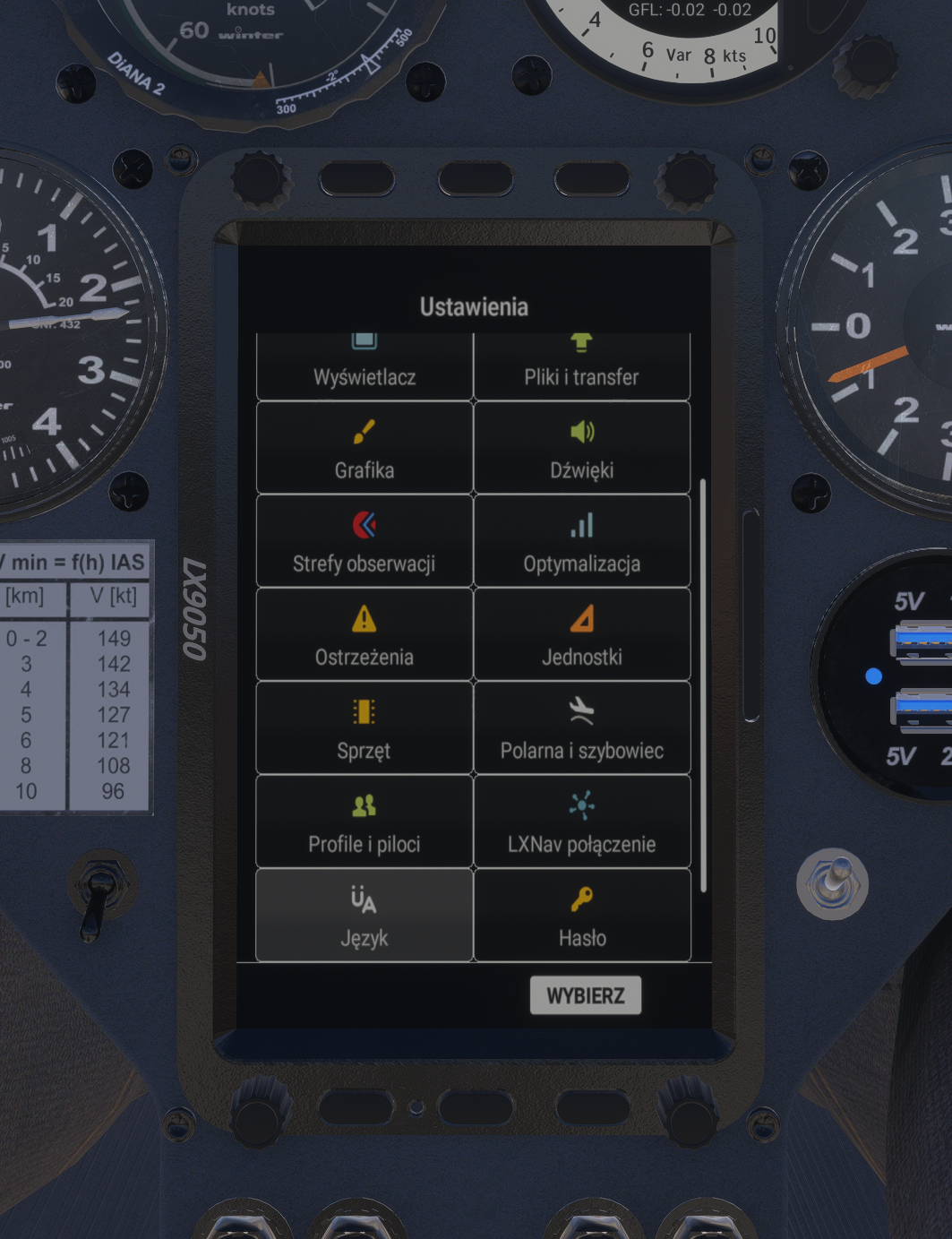
16 language options — both written interface and spoken onboard computer voice
Full variometer with audio, speed-to-fly, and thermal assistance
Custom layout system — create, save, import, and export fully personalized instrument layouts to share with fellow pilots
Continuous development — new features and updates added regularly
GotFriends/B21 LX Suite — LX9070 navigation computer and V80 vario integration
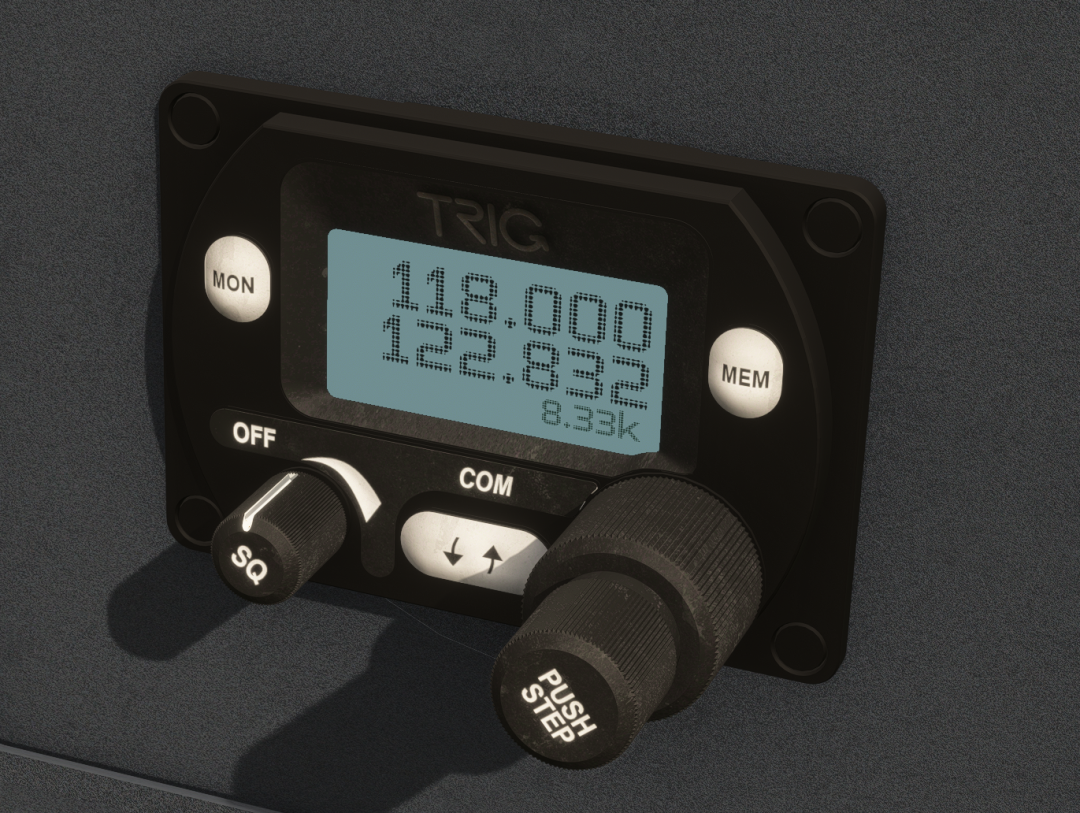
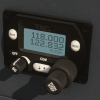
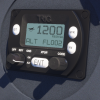
Trig TY91 / TY92 VHF COM Radio
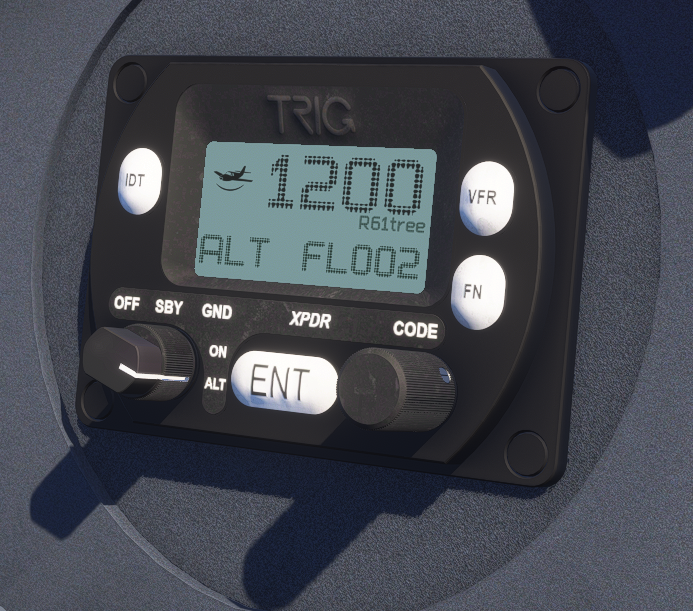
Trig TT21 / TT22 Mode S Transponder
Authentic Flight Systems
5-position flap system (negative to full positive deflection)
Full air brake / spoiler simulation for approach and descent control
Water ballast system for cross-country weight optimisation
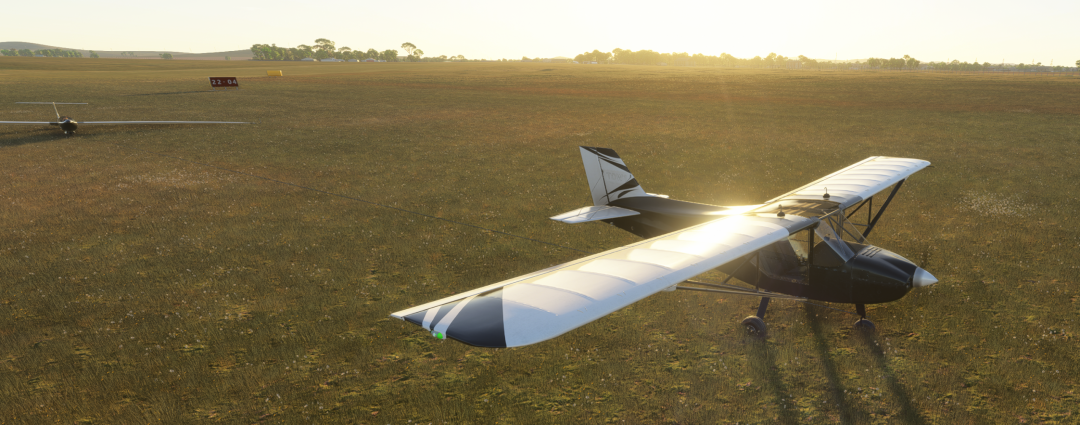
In game aerotow launch support with the Rans S6S Tow plane by Flyboy Simulations
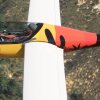
31 Glider Liveries
Real-world competition schemes and fictional designs
Fully repaintable base with custom livery support
Cockpit & Visual Configuration
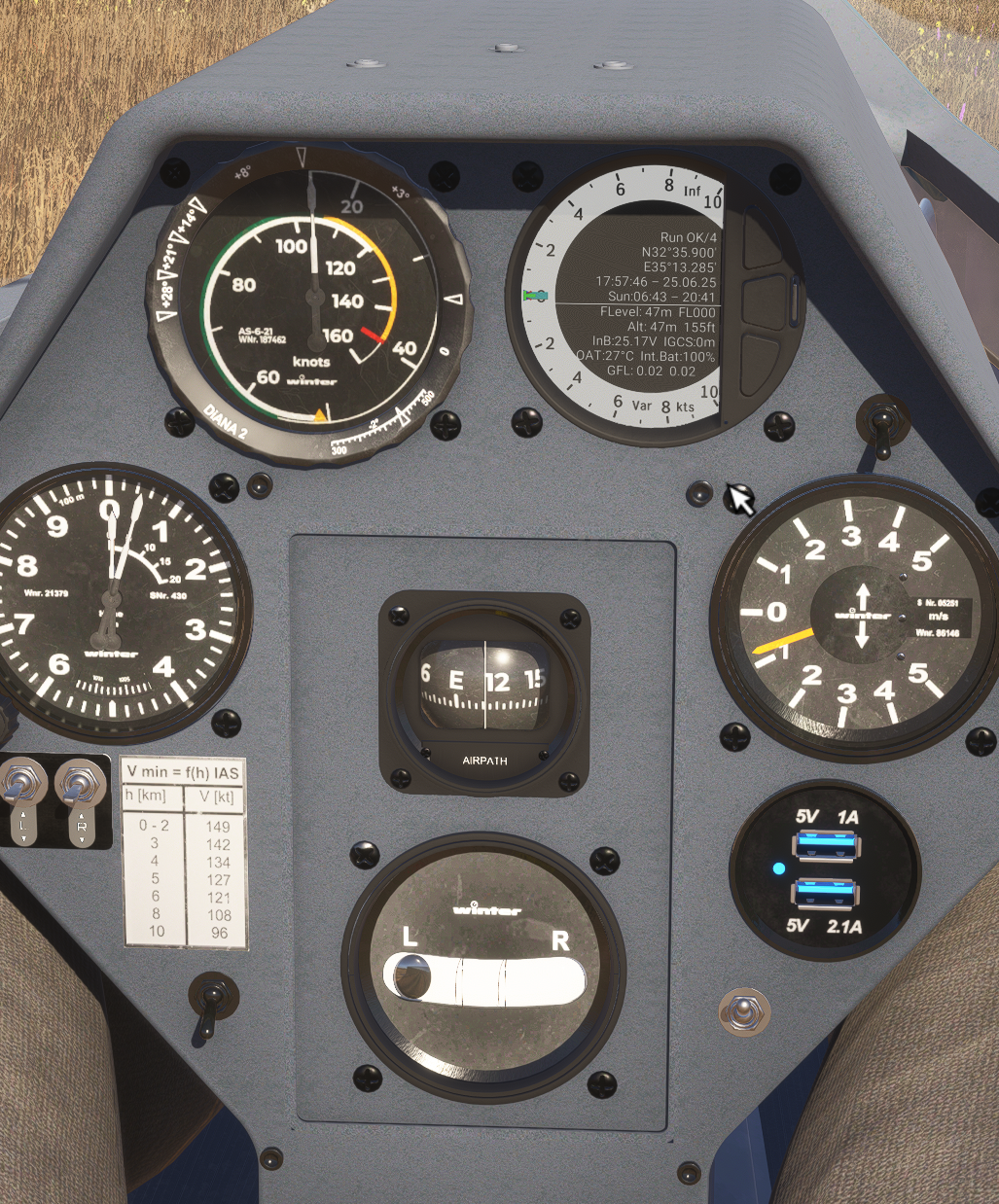
Analog and digital front panel instrument configurations
Adjustable cockpit glass tint
Canopy cover
Pilot Customization
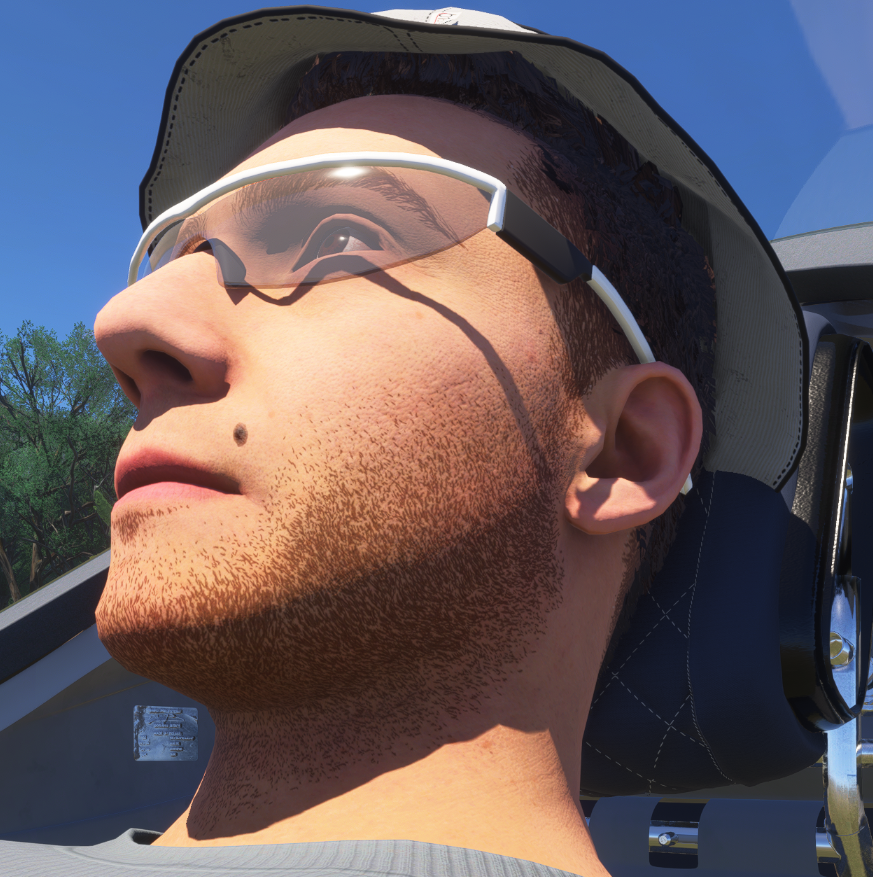
3 wearable watch styles (simulator time and real local time)
Adjusting watch time in simulator time, changes the simulator time
The watch includes a full library of music genres with high-quality speakers for in-flight entertainment — import your own MP3 files to play through the watch
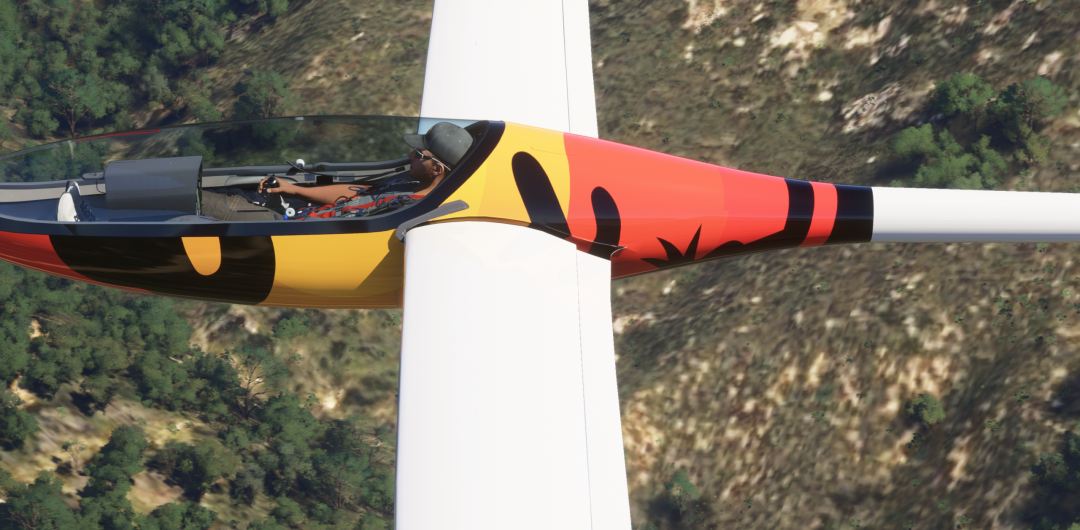
3 hat types with customizable hat logo
3 shirt types with customizable shirt logo
3 glasses types
Onboard pet
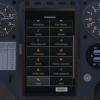
Onboard Systems (Tablet)
Glider Health Monitor
Real-time structural and systems health display via onboard tablet
Bug Contamination System
Progressive bug accumulation on leading edges affects aerodynamic performance
Onboard bug cleaners to restore surfaces mid-flight
Contamination level tied to flight conditions
MH EDS O2D1 Oxygen System
Simulated aviation oxygen unit with pulse demand emitter
Cockpit oxygen content modelled in real time based on altitude, open windows, and vents
If vents remain closed, cockpit oxygen depletes as the pilot breathes
Demand and face mask operating modes
Twitch + YouTube Chat Integration — Watch live chat from both platforms while you fly (great for VR)
Onboard Games — For long cross-country flights
Full Hotkey System — Customizable keyboard shortcuts for all features, accessible through the 61tree Installer app
Regularly Updated Manuals — Comprehensive user guides for all instruments and features (all 16 languages coming in future updates), accessible from the 61tree Installer
Regular Updates — Diana and all of its features are regularly updated with more features in the works
Requirements
Microsoft Flight Simulator 2024 (does not work in MSFS 2020)
Windows 10/11 64-bit
audioacryl (verified owner) –
The SZD-56-2 Diana is a Polish legend in the world of gliding, and its digital interpretation by 61 Tree Studio is a must-have. After testing it in Microsoft Flight Simulator 2024, I can confidently say: it’s one of the best-made gliders ever featured in a simulator.
Flight Model and Physics
The most important thing about a glider is the feel of the air. In the case of the Diana:
Handling: The glider flies beautifully. It’s incredibly agile and responsive, allowing for very precise circulation in thermals.
Authenticity: The model works perfectly with the new aerodynamics system, giving you a feeling of complete control over the aircraft.
Audio – Pure Magic
This section deserves a special round of applause. The sound is fantastic:
Wind Sound: It’s perfectly reproduced. It increases naturally with speed, allowing you to fly “by ear” – just like real pilots do.
Instruments: Every switch and instrument in the cockpit has its own unique sound. This attention to detail makes interacting with the aircraft incredibly satisfying.
Build and Graphics
61 Tree Studio has proven its attention to detail:
Modeling: The Diana is beautifully “drawn.” The fuselage and wing textures are sharp, and the reflections on the composites look incredibly realistic.
Cockpit: The interior impresses with its attention to detail. All gauges are clear, and the materials look very natural, creating a powerful immersion.
The Diana from 61 Tree Studio can be described in one word: superb. It’s a refined, aesthetically pleasing, and phenomenally sounding module. If you’re looking for a glider that will truly let you experience gliding, the SZD-56-2 is the perfect choice. Being Polish, this glider is close to my heart, and I’m very happy it was created.
Mario Glider